Most security teams treat eDiscovery as something legal owns. It gets opened when a litigation hold letter arrives, and nobody in the SOC has the role assigned.
That wastes one of the most capable investigative tools already in the tenant. SIEM, EDR, and audit logs tell you a mailbox was accessed. eDiscovery tells you what was in it, where else that content lives, and whether you can prove you preserved it.
What Is eDiscovery?
Electronic discovery is the process of identifying, preserving, collecting, reviewing, and producing electronically stored information. The reference model is the EDRM, which runs from information governance through identification, preservation, collection, processing, review, and production.
The legal origin gives the tooling two properties security work needs:
- Defensibility: every action is logged and repeatable.
- Proportionality: you collect what the matter requires, not everything you can reach.
What It Can Do
Examples use Microsoft Purview eDiscovery, but the concepts map to any platform.
- Cases: a container for searches, holds, review sets, and exports for one matter, with membership controlling who sees it. Purview now runs Content Search, Standard, and Premium as one case-based workflow.
- Search: one query across Exchange, SharePoint, OneDrive, Teams, Microsoft 365 Groups, and Viva Engage using KeyQL, with statistics and sampling to size results before collecting.
- Holds: preserve content in place so it survives user deletion, without notifying the account owner unless you choose to.
- Review sets (premium): a static copy of collected items, with Teams conversation threading, cloud attachment and version collection, OCR, decryption of labeled content, near-duplicate detection, and tagging.
- Search and delete: purge email, Teams messages, and Copilot data from where it should not be.
- Export and API: packaged exports with metadata and process reports, plus Microsoft Graph for automation.
Search, holds, export, and purge are on the base tier. Review sets and analytics need E5 or an E5 compliance add-on.
Two query shapes are worth knowing. The first finds files containing a sensitive information type:
SensitiveType:"U.S. Social Security Number (SSN)" AND filetype:xlsx
The second finds messages carrying a known malicious attachment:
AttachmentNames:"Invoice_Q3_Remit.html" AND received>=2026-09-01
Use Cases
The use cases fall into four groups.
Risk Assessments
A risk assessment asks where sensitive data is and how exposed it is. Classification scanners estimate. eDiscovery lets you check.
- Validate the data map: search by sensitive information type and compare results with where the organization believes that data lives.
- Quantify exposure: turn "PII exists in SharePoint" into item counts and volumes per site.
- Find over-retained data: locate sensitive content older than the retention schedule allows.
- Test DLP and labeling controls: search for content the control is supposed to block. Hits mean a gap.
- Assess AI exposure: sample Copilot interactions to see what sensitive data is entering prompts.
- Review third-party and oversharing risk: find sensitive content sent to external domains or stored in broadly shared sites.
Audits and Compliance
Auditors want evidence, and they want to know how you produced it. A documented search and export is stronger than a screenshot.
- Evidence with provenance: exports carry manifests, metadata, and process reports.
- Proof that retention and preservation work: show a held item survives deletion and expired content is gone.
- Regulator and auditor requests: produce scoped, documented responses.
- Public records requests and DSARs: scope, search, review, redact, produce.
- Privileged access review: show eDiscovery role membership is scoped and logged.
- Policy violation checks: confirm whether prohibited data types or practices appear in communications.
Cyber Incident Investigations
This is where security teams get the most value, because it closes the gap between "something was accessed" and "here is what was exposed."
- Business email compromise: determine what was in the compromised mailbox to build a defensible list of affected individuals and data elements.
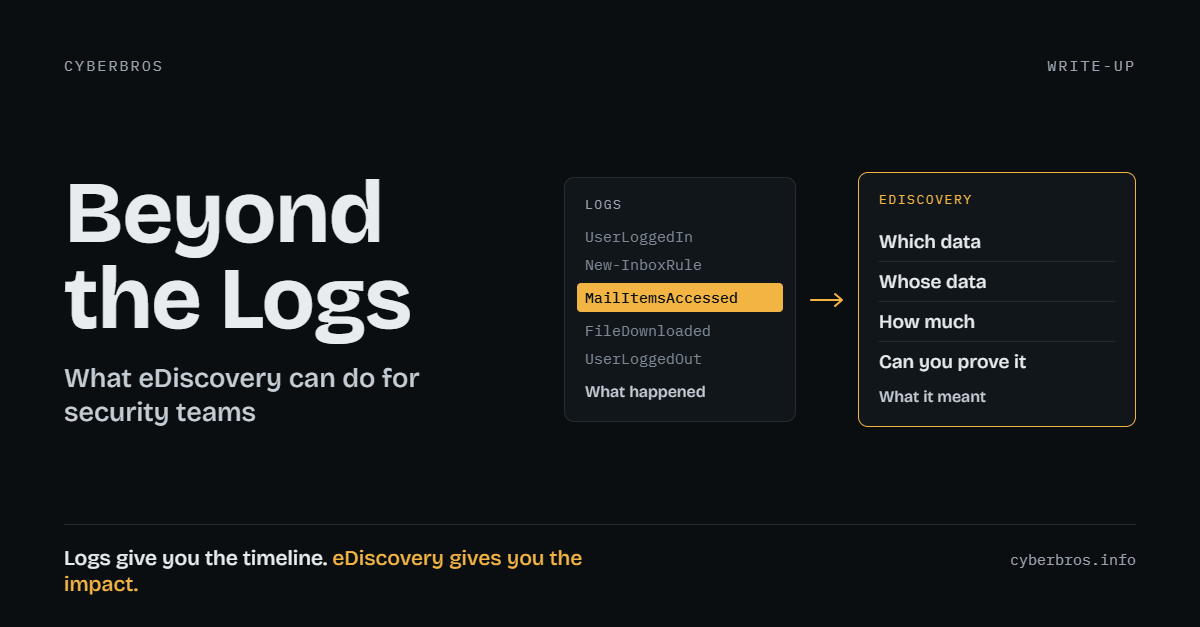
- Breach notification scoping: pair audit data such as MailItemsAccessed with content search. Logs give the timeline, eDiscovery gives the impact.
- Phishing campaign cleanup: find and purge messages beyond what Threat Explorer covers, including forwarded copies and related Teams or SharePoint content.
- Insider threat: hold silently before the subject knows, then collect chat with full conversation context.
- Data spills: find every copy of a misdirected file or message, including shared-link versions, and remove it.
- Preservation before containment: place the hold, then disable the account, so retention clocks do not destroy evidence.
- Departing employee review: preserve and inspect content before an account is deprovisioned.
A typical BEC flow runs like this. Sign-in logs confirm the compromise window, MailItemsAccessed shows which items the attacker synced or opened, and an eDiscovery search over those items by sensitive information type and attachment produces the list of affected people and data elements. That list is what counsel needs for the notification decision, and the case record shows how you arrived at it.
Legal and HR
These are the traditional uses, and security is often pulled in to run them.
- Litigation holds and discovery: the original use case.
- HR and workplace investigations: harassment, misconduct, and policy complaints.
- Contract and IP disputes: reconstruct who knew what and when.
Using It in the Enterprise
Six practices turn eDiscovery from an ad hoc favor into a capability.
- Treat the roles as tier-zero: an eDiscovery Manager can read any mailbox and site in scope, and compliance search abuse is a known exfiltration path. Use just-in-time assignment through PIM, prefer case-level membership, require phishing-resistant MFA, and alert on searches, exports, and holds created outside a known matter.
- Agree on the operating model first: decide who can open a case, who approves a hold on an employee, how cases map to ticket IDs, and how privileged content is routed to counsel. Default to date-bounded, custodian-scoped searches.
- Put it in the IR runbook: open case, place hold, scope search, collect, export. Tabletop it so the first KeyQL query is not written during an active incident.
- Automate the repeatable parts: a SOAR playbook can use Graph to create a case and preserve a user's mailbox and OneDrive the moment a compromise is confirmed.
- Monitor the tool itself: eDiscovery actions are written to the unified audit log. Send them to your SIEM and review them like any other privileged activity, with particular attention to exports and tenant-wide searches.
- Plan for licensing: decide up front which matters justify premium features. Review sets and threading matter most for insider cases and anything involving Teams chat, so make sure the people who run those cases hold the right license before an incident forces the question.
Where It Stops
eDiscovery is not forensics, and it has limits.
- It sees indexed cloud content, not endpoint artifacts or memory.
- Partially indexed items can be missed by keyword search.
- Content deleted before a hold and past retention is gone.
- In-tenant collection is not an independent forensic acquisition. Involve counsel for matters likely to reach court.
- Searching employee content carries privacy obligations. Scope it, document it, and get approval.
Takeaway
Logs tell you what happened. eDiscovery tells you what it meant: which data, whose data, how much, and whether you can prove it. If nobody on the security team has opened a case this year, start there.